Minddistrict offers the possibility to involve a related person (or multiple related persons) in your online treatment process. This could be a partner, a close friend, or your parents, for example. Both you and your therapist can invite related persons to participate in a conversation within a secure environment.
Did you invite a related person yourself? In that case, your therapist cannot see or contact this related person. This is to protect the privacy of your related person. If a related person is involved in a conversation, the therapist will see the preset nickname.
You have the right to access conversations between your therapist and your related person(s) in which you are not participating. When a therapist has a conversation with a related person, you are not automatically added. Would you like access to the conversation? Please contact your therapist.
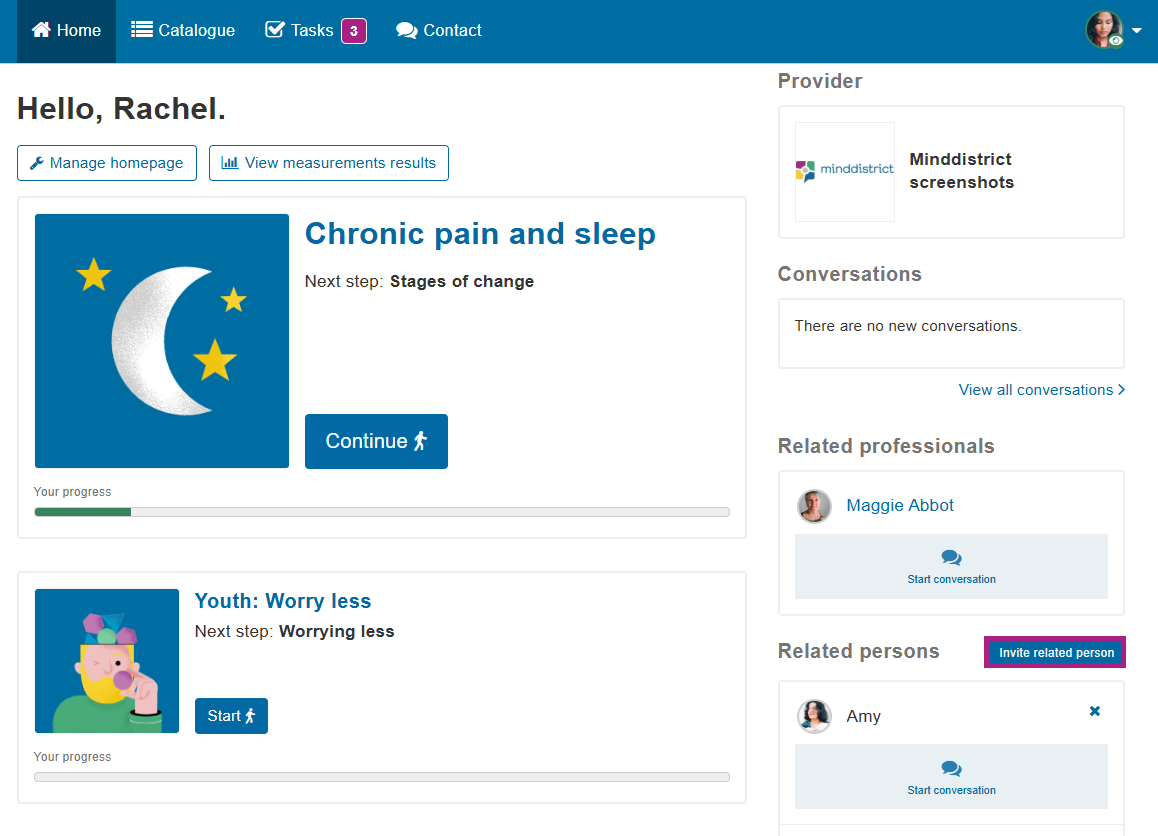
Create a related person account
You can create an account for a related person via the homepage.
- Click the 'Invite a related person' button.
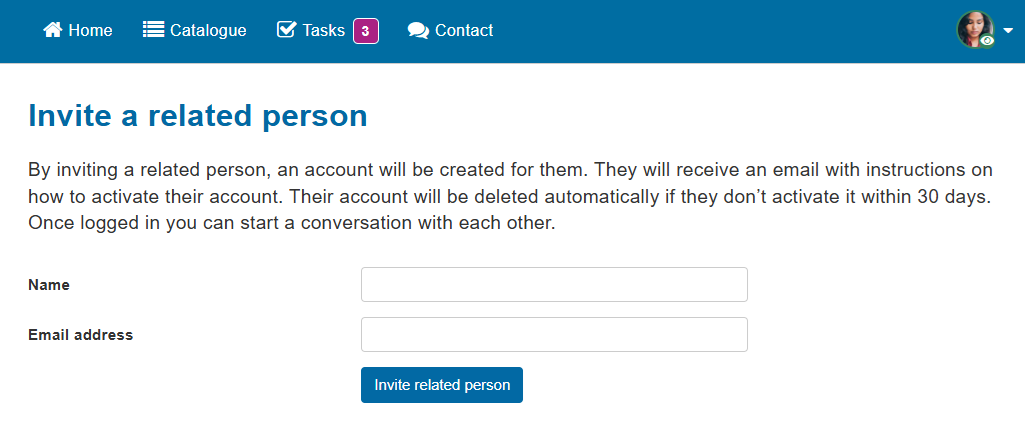
- Enter the person's name and email address.
- The person you add will now receive an email to log in.
- You can now start a conversation with him/her/they (and possibly your therapist).
Remove a related person account
Do you want to remove a related person from your network? Then click on the cross (to the right of the name) and confirm. He or she will then no longer be able to send you messages. Previously sent messages will be saved. You can find them via 'Contact'. The related person will receive an email when you have removed the related person account from your network.
Your related person account will not be deleted when you remove your related person from your network. Only the contact between the accounts is severed. The related person retains the account. This allows the related person to continue using the self-help tools.
Do you want the related person back in your network? Then you can re-create the account (with the same email address). Your accounts are then connected again.
Your therapist can also invite a related person
Your therapist can also invite related persons and start a conversation with them. You may also be invited to join the conversation yourself. When the therapist creates the account for a related person, this person is visible to the therapist. The therapist can remove accounts that they have added themselves. This disconnects the link. You and/or the therapist will then no longer be able to invite the related person to a conversation. The related person's account will remain active for their own use. It will simply no longer be possible to start a conversation.
Your consent must always be requested if the therapist wants to invite one of your related persons. If you have any questions about related persons added by your therapist, or if, for any reason, you wish to withdraw your consent, please contact your therapist.
Self-help catalogue for related persons
A self-help catalogue is available for related persons, allowing them to independently use several self-help tools (modules, diaries), provided these have been made available by the organisation.
These tools and anything the related person enters into them cannot be viewed by anyone. Not by you, nor by a therapist. The related person also cannot access your account or view your modules and/or private conversations.